GoldWin Mobile Casino and App Check
 Available in GB
GoldWin supports mobile browser access on iOS and Android, and no dedicated iPhone or Android app is currently verified for the real GoldWin.com service. For UK readers checking the genuine product, browser access is the relevant technical format; it should not be treated as evidence that the operator is licensed to serve consumers in Great Britain. Avoid searching for unofficial GoldWin APK files or assuming that a similarly named App Store or Google Play result is official.
This distinction matters because search results contain lookalike GoldWin domains that make conflicting native-app claims. A browser-first setup is not automatically a disadvantage: it avoids installation, can keep the casino experience updated on the server side, and works across phone platforms. The decision question is whether the mobile site handles login, games, live streams, cashier tasks and support well on your device. A practical test is to check those functions directly without assuming that an unverified native app exists.
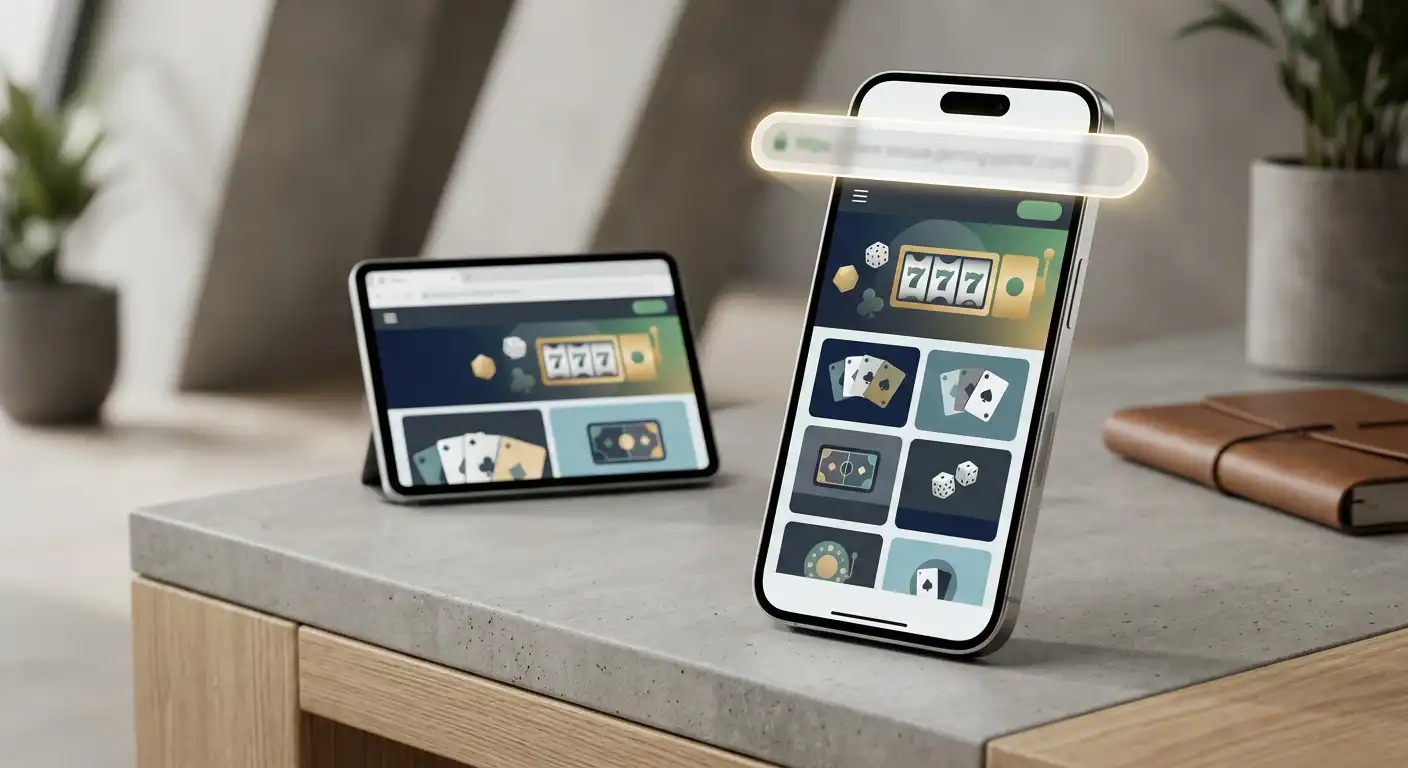
Table of Contents
- GoldWin mobile at a glance
- Browser play is the product, not a fallback
- How to use GoldWin on an iPhone
- How to use GoldWin on Android
- How to tell a native app from a browser shortcut or PWA
- Five mobile features worth testing before you rely on the site
- Why lookalike GoldWin app claims deserve extra caution
- Mobile performance depends on more than the casino
- Should you save GoldWin to your home screen?
- Mobile verdict for UK readers
- GoldWin mobile FAQ
GoldWin mobile at a glance
| Question | Current verified answer | What it means |
|---|---|---|
| Does GoldWin work on iPhone? | Yes, through a mobile browser | Use GoldWin.com in Safari or another current browser. |
| Does GoldWin work on Android? | Yes, through a mobile browser | Use GoldWin.com in Chrome or another current browser. |
| Is a native iOS app verified? | No | Do not treat an unrelated App Store listing as official without a GoldWin.com link to it. |
| Is a native Android app or APK verified? | No | Do not sideload an APK from a third-party GoldWin domain. |
| Does mobile require a separate account? | No separate mobile product is established | The practical model is the same web account accessed through a smaller screen. |
Browser play is the product, not a fallback
GoldWin’s verified mobile model is HTML5 browser play on iOS and Android. That is different from a casino that has a native application as its primary mobile channel and happens to maintain a mobile website as backup. For GoldWin, the browser is the route readers should expect to use unless the operator later publishes and links to an official store listing.
From a usability perspective, browser play can be perfectly workable. There is nothing unusual about a casino lobby adapting its layout to a phone screen, launching games in a mobile browser and keeping account controls on the web. The useful test is not whether an icon came from an app store. It is whether the important functions remain readable, responsive and easy to reach on the device you actually own.
The broader mobile game library guide covers the verified library and provider mix. On mobile, you should treat that catalogue as a starting point rather than assuming every individual desktop title will perform identically on every handset. Game availability and performance can depend on the title, browser, screen size and connection.
How to use GoldWin on an iPhone
For an iPhone or iPad, the safest route is to navigate directly to GoldWin.com in Safari or another browser you already trust. Check the address before signing in, particularly if you reached the site through a search result. Once the page loads, sign in through the website and test the sections that matter to you before committing to longer play.
- Type or verify GoldWin.com in the browser address bar.
- Sign in through the web interface rather than installing software from a third-party page.
- Open the game categories you use most and test a title in portrait and landscape where relevant.
- If you use live casino, check video stability and control size on your normal mobile connection.
- Open the cashier and support areas to make sure they are usable on the smaller screen.
iOS allows websites to be saved to the home screen, which can make a browser site feel more app-like. A home-screen shortcut, however, is not proof of a native App Store application. The icon simply opens the website or a web-app style experience. That distinction matters when evaluating download claims.
How to use GoldWin on Android
The Android route is similar. Open GoldWin.com in Chrome or another current browser, verify the address, sign in and use the responsive site. There is no verified need to download an APK. That makes a third-party page instructing you to enable installation from unknown sources a strong reason to stop and check whether you are still dealing with the real operator.
Sideloaded APK files carry a different security model from ordinary browser play. They can request device permissions, install code outside the main app-store review process and be distributed from domains that merely resemble the casino’s name. Because GoldWin.com is the verified operator domain, a safe installation claim would need to originate there and lead to a verifiable official listing or signed download path.
If no such first-party route exists, the browser already provides the verified access method. That is enough to play without changing Android security settings or trusting an installer from an unknown publisher.
How to tell a native app from a browser shortcut or PWA
The phrase “GoldWin app” is used loosely online. It can refer to three different things: a true native app downloaded from an official store, a progressive web app installed from the browser, or simply a home-screen shortcut that opens the website. Those experiences can look similar once an icon is on the phone, but they have different verification paths.
Native app
A downloadable application with an identifiable publisher and a listing in an official app store or another operator-controlled distribution route.
Progressive web app
A website that can use browser features to behave more like an installed application while still being tied to the web origin.
Home-screen shortcut
An icon created by the browser that opens GoldWin.com without proving the existence of a separate native application.
For GoldWin, the verified position is browser access and no dedicated native app. If that changes, the strongest evidence would be a link from GoldWin.com to an Apple App Store or Google Play listing whose publisher identity matches the operator. Until then, browser play is the safer factual description.
Five mobile features worth testing before you rely on the site
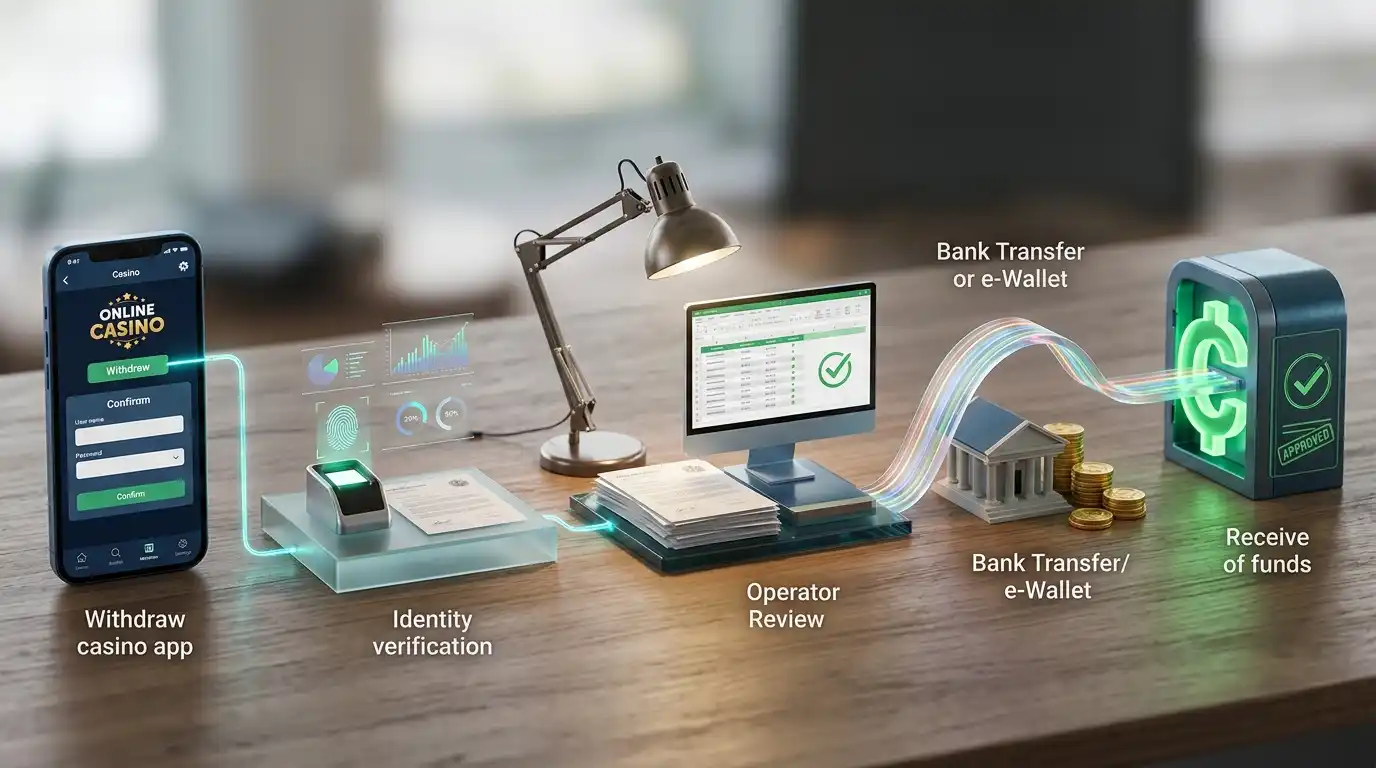
A mobile casino review becomes more useful when it tests tasks rather than simply saying a site is “optimised”. GoldWin’s verified browser compatibility tells you the service is intended to work on iOS and Android, but your own device can still expose practical differences. Use these five checks.
1. Login and account navigation
Confirm that sign-in fields, account menus and important messages are readable without constant zooming. A responsive site should keep security and account controls accessible even when the screen is narrow.
2. Game launch and orientation
Try the categories you actually use. Some games are more comfortable in landscape, while others are designed for portrait. Check whether the game returns cleanly to the lobby after you close it.
3. Live casino streaming
Live dealer games add continuous video, so they are a stronger test of connection quality than many slots. Check picture stability, audio, bet controls and the readability of table information before using a higher stake.
4. Cashier usability
Make sure the deposit and withdrawal screens expose the method, amount and relevant conditions clearly on your phone. A cashier that works on desktop but is awkward on mobile can become a practical problem when you need to review a transaction.
5. Support access
Open the support route from the phone and check whether you can move between help and the account without losing the information you need. This is especially useful if you later need to discuss a payment or verification step.
Why lookalike GoldWin app claims deserve extra caution
The verified operator domain is GoldWin.com. Search results also surface similarly named domains that publish their own GoldWin-branded pages. Some of them claim native iOS and Android apps, APK downloads, app versions, ratings or installation links. Those claims are not evidence about the real GoldWin.com service merely because the page uses the same name.
This is one of the most important non-generic insights on the mobile page: app searches create a second identity problem beyond ordinary casino-site search. A user may believe a download is more trustworthy because it looks like software rather than a webpage, when in fact the download source can be the weaker link. If the verified official domain does not point to the file or store listing, do not bridge that gap yourself.
The guide on how to verify the official site explains the identity issue in more depth. On mobile, the rule can stay simple: verify the domain first, then use the browser. Do not install an APK merely because a search result labels it “GoldWin Casino”.
Mobile performance depends on more than the casino
GoldWin can support mobile browsers and still feel different across devices. Phone age, available memory, browser version, screen resolution, Wi-Fi quality and mobile-data congestion all influence how quickly a lobby or game responds. Live streams are particularly sensitive because they combine video with interactive betting controls.
That means a single performance adjective such as “fast” is less useful than a short personal test. Load the lobby over the connection you normally use. Open one slot and one live table if those are your main categories. Switch between the game and cashier, then return to the lobby. If the browser repeatedly refreshes heavy pages or the controls feel cramped, that is a device-level decision factor even though mobile access itself is verified.
For readers who mainly play on a phone, this kind of five-minute test can be more valuable than an app download. It tells you how the actual service behaves on your handset without adding another piece of software.
Should you save GoldWin to your home screen?
If your browser offers an “Add to Home Screen” function, using it can reduce friction because you can open GoldWin.com from an icon. The important security habit is to create the shortcut only after you have verified the address in the browser. Do not use a shortcut supplied by an unrelated download page.
A saved shortcut can also make the browser experience feel similar to an app while keeping the verified web origin visible when you inspect it. It does not add a new casino account, change the operator or prove that a native app exists. Think of it as convenience, not a separate product.
Mobile verdict for UK readers
GoldWin is a browser-first mobile casino. Current verified sourcing supports play on iOS and Android through the web and does not establish a dedicated native app. For most readers, that makes the safest route straightforward: use GoldWin.com directly, test the features that matter on your own phone, and ignore APK or store claims from lookalike domains unless the official site itself provides a verifiable link.
The lack of a native app is not automatically a usability problem. It is a trade-off. You avoid an installation and can use the same web account across devices, but the quality of the experience depends more visibly on browser design and connection quality. For wider product context, the GoldWin review compares that mobile model with the casino’s games, payments, bonus and trust checks.
GoldWin mobile FAQ
Does GoldWin have an iPhone app?
No dedicated native iOS app is currently verified for GoldWin.com. The verified access method is browser play on iOS.
Does GoldWin have an Android APK?
No official GoldWin.com Android APK is verified. Do not enable unknown-source installation for a file from a lookalike or third-party GoldWin domain.
Can I play GoldWin games in a mobile browser?
Yes. GoldWin supports browser-based play on iOS and Android. Individual title performance can still depend on the device, browser and connection.
Is a home-screen icon the same as a native app?
No. A browser shortcut or progressive web app can create an app-like icon, but it does not by itself prove that GoldWin has a separate App Store or Google Play application.
Created by the ”GoldWin Casino” editorial team.